Back to the platform

Drawing automation

Production drawings from your SolidWorks assemblies: parts, weldments and assemblies with BOM and DXF, in your own house style. The first application on the Reassemble platform, available for pilots.

What you receive

  • .SLDDRWNative drawings

    Parts, weldments and assemblies, linked to your model, ready to open and edit in your SolidWorks.

  • .DXFFlat patterns

    Bend lines and layers the way your laser shop wants them.

  • BOMBalloons and tables

    Populated from the assembly, in your columns.

  • .PDFReview set

    For checking and approval in the portal, before anything is released.

Drawn by Reassemble, not edited.

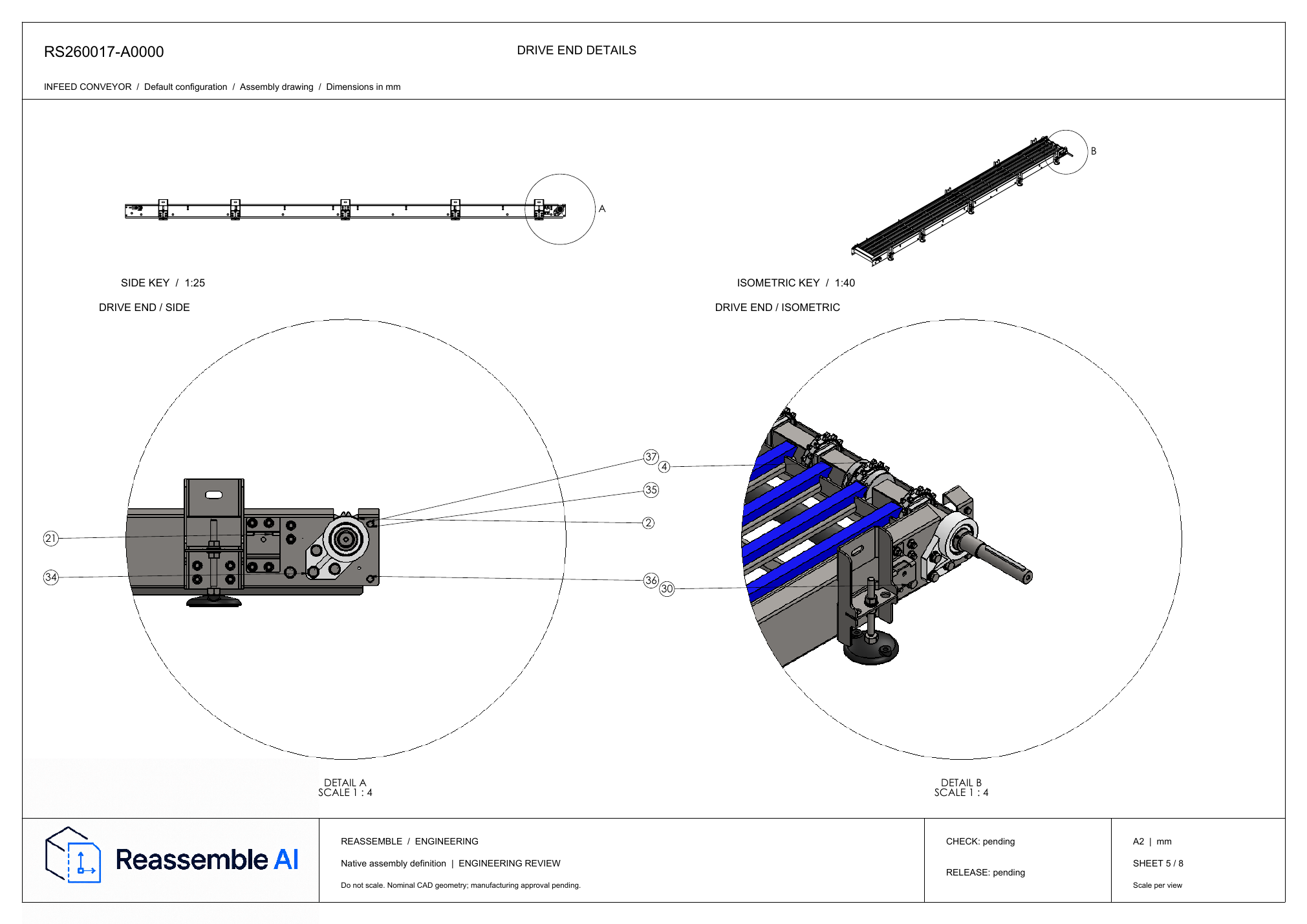
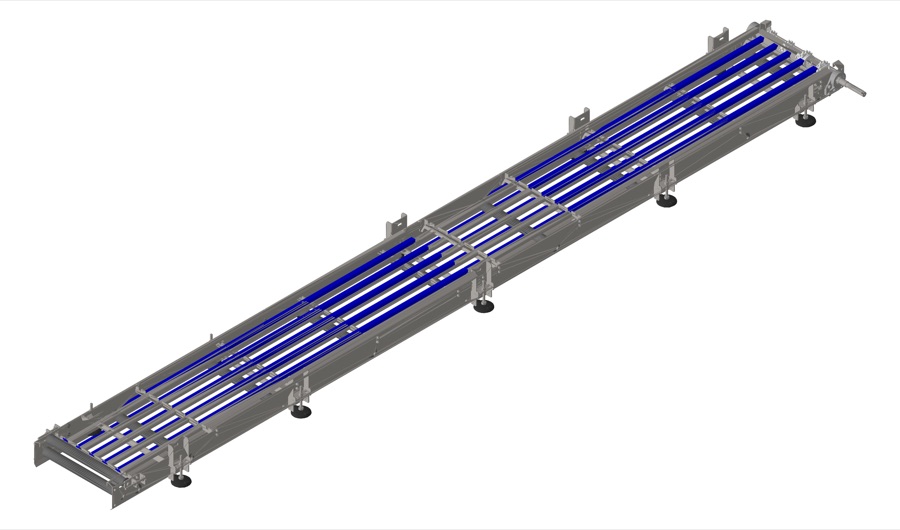
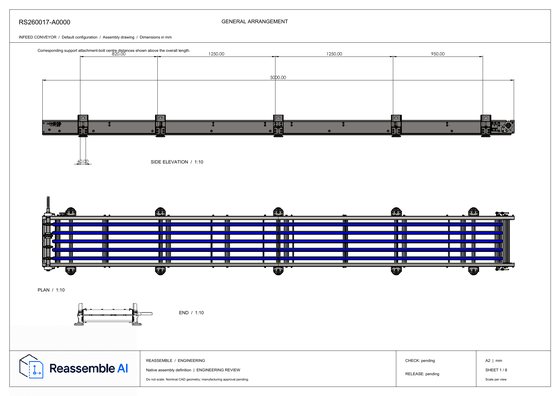
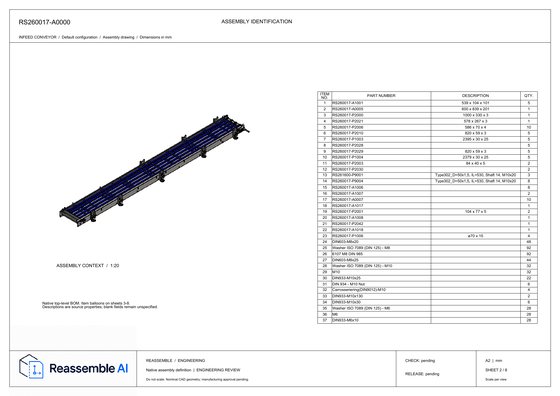
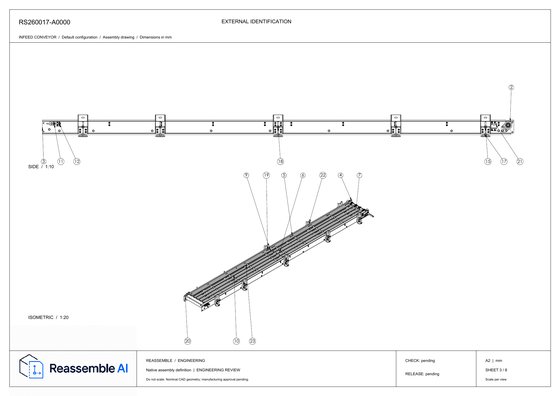
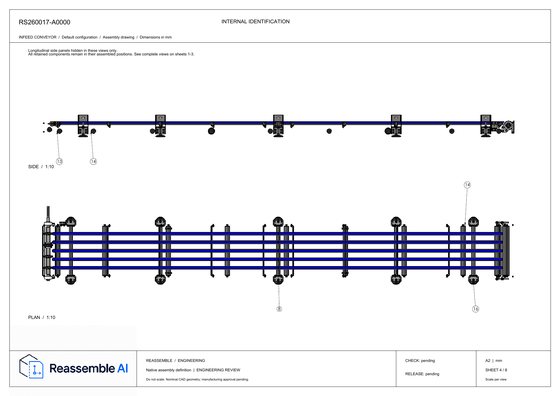
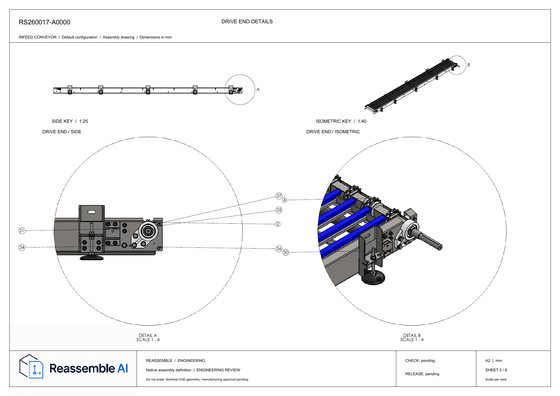
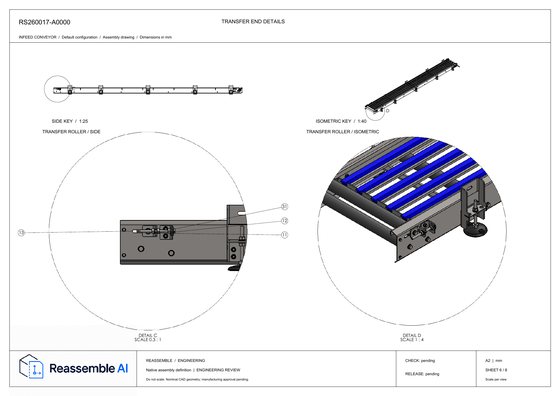
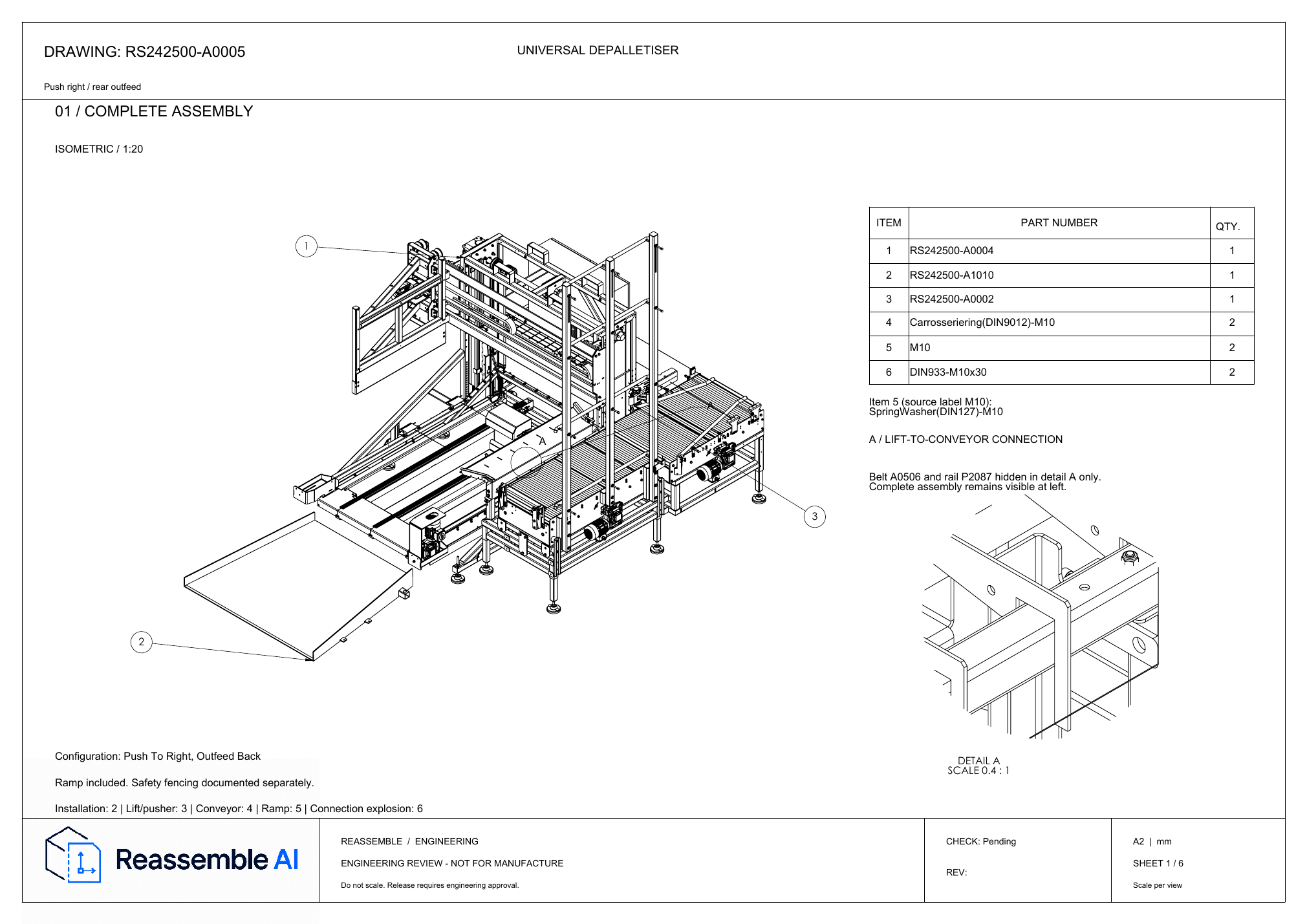
Two machines from a machine builder's SolidWorks models, generated automatically and not edited afterwards.

From a SolidWorks assembly with 252 parts to 6 native SolidWorks sheets with PDF.

Open full-size PDF ↗

Complete assembly

Complete assembly Unedited output from Reassemble

Shown on our title block here, on yours in production.

Drawing automation, compared

The first application makes your drawing packages directly from your SolidWorks models. Here is how that compares with the two usual alternatives.

Drawing automation, compared ReassembleDrawing bureauOutsourced and offshore draftingTemplates, macros or built-in CADConfigurators, scripts or the auto-drawing tools built into your CAD
The drawings
Assembly, part and weldment drawings with BOM and DXF, as native SolidWorks files and PDF
From the native model
By hand, sheet by sheet
A first draft, where a template exists
On your template, title block and drafting standard
Your template
Mostly, style drifts
Once you build it, but not your habits
How it learns
Follows your company's drawing style, learned from your released drawings
Per company
Their habits, not yours
Only what you write down
Learns from every correction
Corrected once, not again
The same mistakes return
Only if you rewrite the rule
How you work with it
No rules to write
We set it up on your archive
A briefing per project
Your engineers build them, or none needed but limited
Engineer time per drawing
Check and release
Brief, check, correct
Maintain rules, or finish each one by hand
Hand over work the way you already do
A Pack and Go, uploaded in the portal
Files and a briefing per project
Inside your CAD
Your CAD stays under your control
In your own cloud, or our EU workers
It goes to the bureau
Runs in-house, inside your CAD

The drawings

Assembly, part and weldment drawings with BOM and DXF, as native SolidWorks files and PDF

Reassemble

From the native model

Compare alternatives
Drawing bureau

By hand, sheet by sheet

Templates, macros or built-in CAD

A first draft, where a template exists

On your template, title block and drafting standard

Reassemble

Your template

Compare alternatives
Drawing bureau

Mostly, style drifts

Templates, macros or built-in CAD

Once you build it, but not your habits

How it learns

Follows your company's drawing style, learned from your released drawings

Reassemble

Per company

Compare alternatives
Drawing bureau

Their habits, not yours

Templates, macros or built-in CAD

Only what you write down

Learns from every correction

Reassemble

Corrected once, not again

Compare alternatives
Drawing bureau

The same mistakes return

Templates, macros or built-in CAD

Only if you rewrite the rule

How you work with it

No rules to write

Reassemble

We set it up on your archive

Compare alternatives
Drawing bureau

A briefing per project

Templates, macros or built-in CAD

Your engineers build them, or none needed but limited

Engineer time per drawing

Reassemble

Check and release

Compare alternatives
Drawing bureau

Brief, check, correct

Templates, macros or built-in CAD

Maintain rules, or finish each one by hand

Hand over work the way you already do

Reassemble

A Pack and Go, uploaded in the portal

Compare alternatives
Drawing bureau

Files and a briefing per project

Templates, macros or built-in CAD

Inside your CAD

Your CAD stays under your control

Reassemble

In your own cloud, or our EU workers

Compare alternatives
Drawing bureau

It goes to the bureau

Templates, macros or built-in CAD

Runs in-house, inside your CAD

Run one assembly

Based on how the machine builders we work with make drawings today, September 2026.

A pilot on one of your assemblies.

One of your own machines, drawn on your templates in our EU environment and reviewed by your engineers. At the end, you decide whether to deploy it in your cloud.

  1. Share a few finished projects

    Pack and Go zips with their drawings. We learn your conventions per part type and change nothing.

  2. Pick one new assembly

    A Pack and Go without drawings, from your current work. A true test, drawn end to end.

  3. We run and check it

    In SolidWorks, on your templates. Our review gate checks every sheet before you see it.

  4. Your engineers review

    Native SLDDRW, PDF and DXF. Correct in SolidWorks and send it back; every correction teaches the next batch.

  5. You decide
Run one assembly

A first conversation. No CAD upload needed yet.

Bring one assembly. See it drawn.

Send one Pack and Go and we send back the package. Then we set up your CAD data warehouse and switch on the applications that pay off.