Assembly, part and weldment drawings with BOM and DXF, as native SolidWorks files and PDF
From the native model
Compare alternatives
By hand, sheet by sheet
A first draft, where a template exists
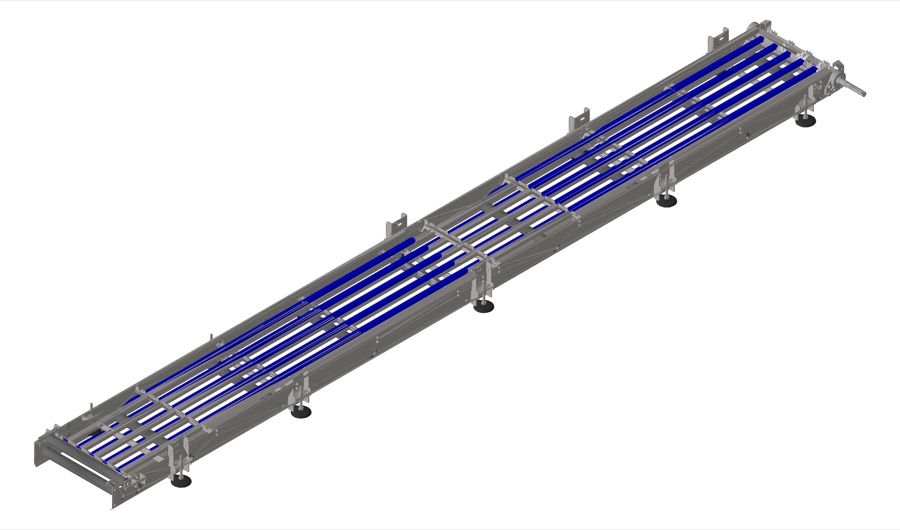
Reassemble drafts your production drawings inside SolidWorks, on your own templates and drafting rules. Your engineers check and release.
Proof
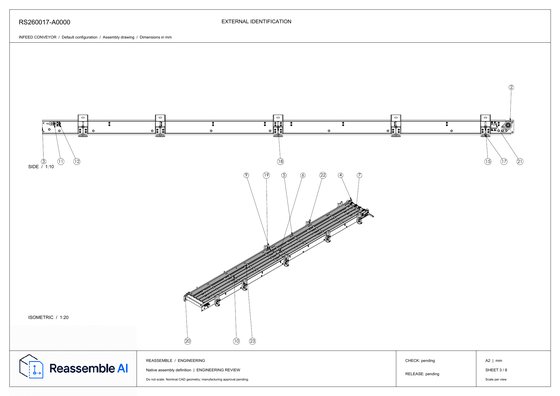
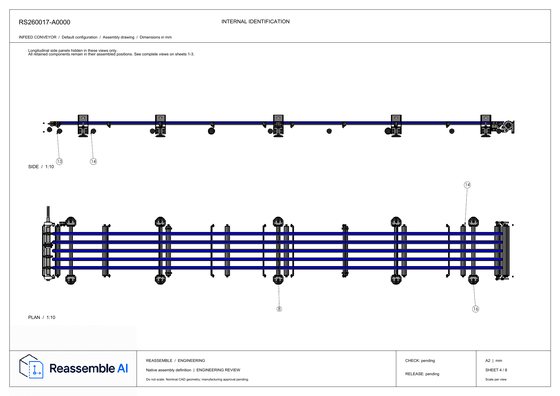
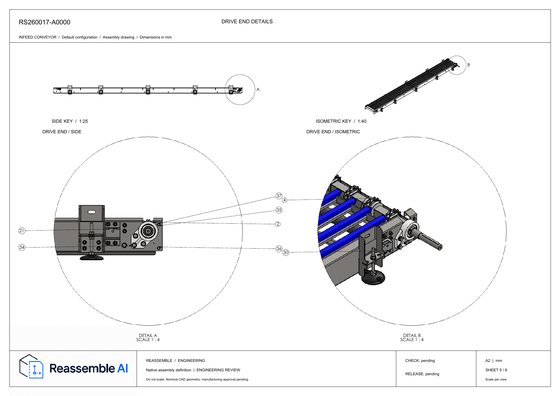
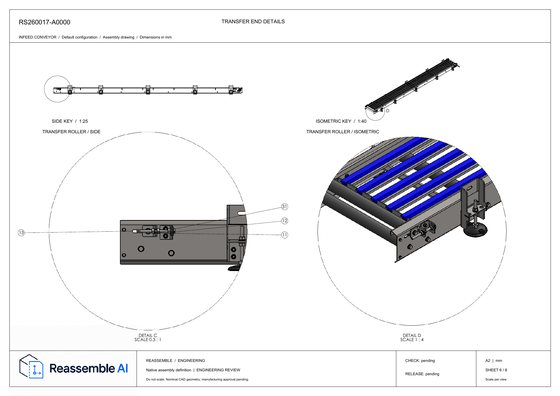
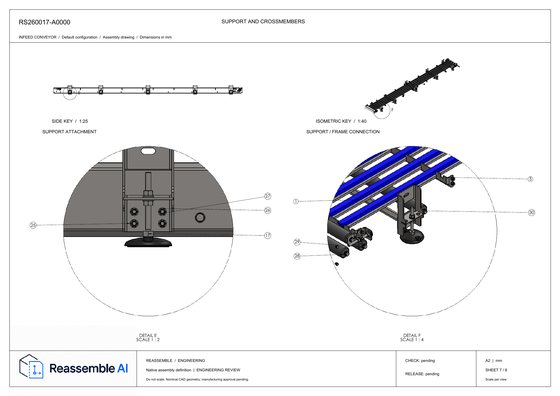
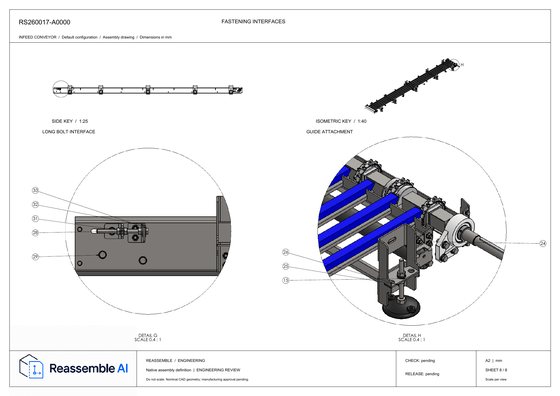
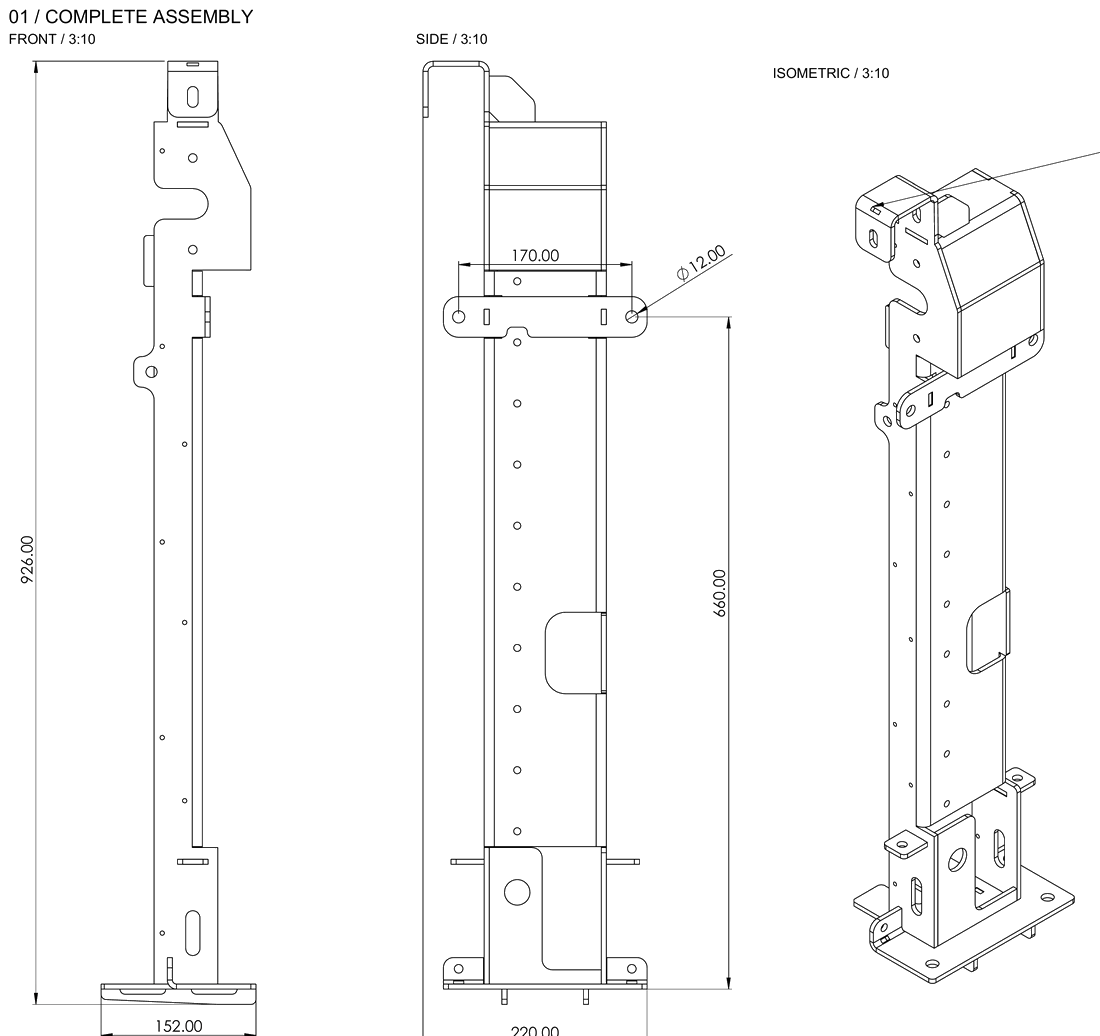
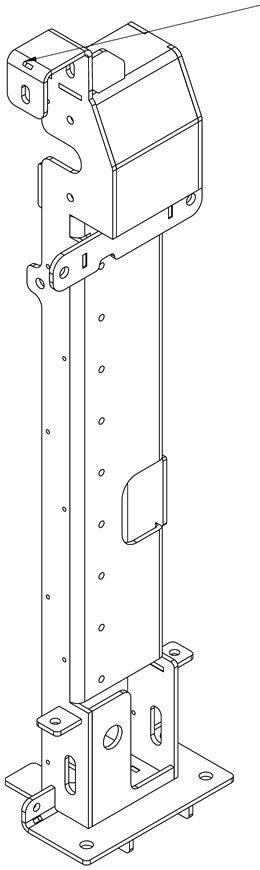
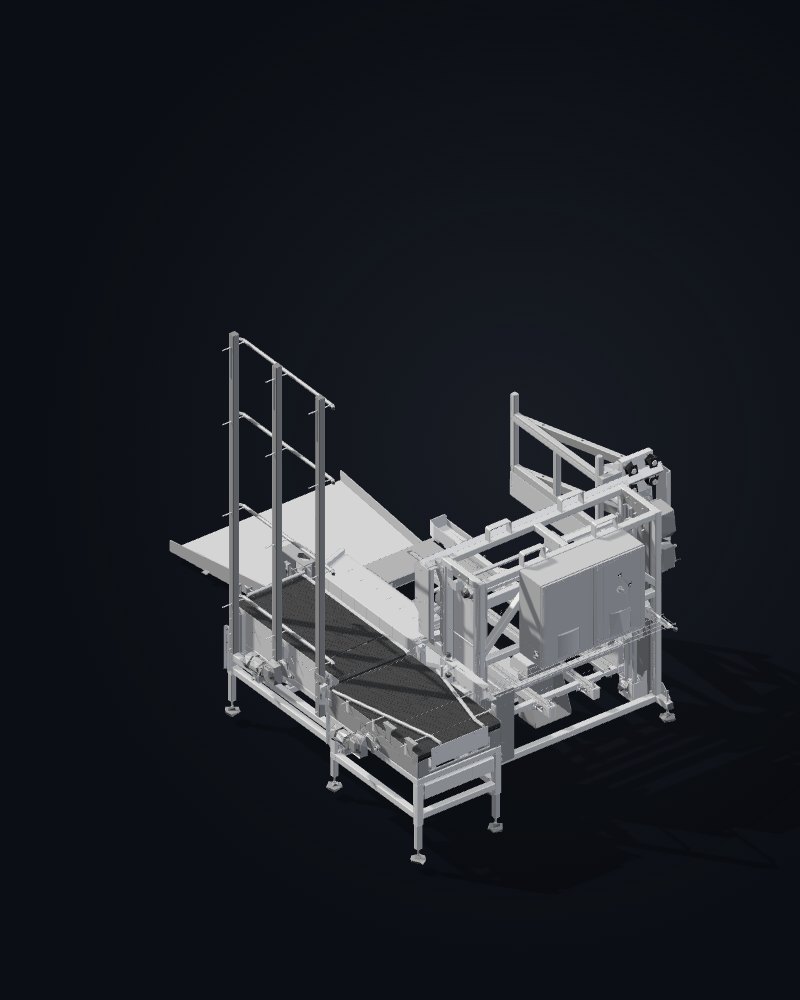
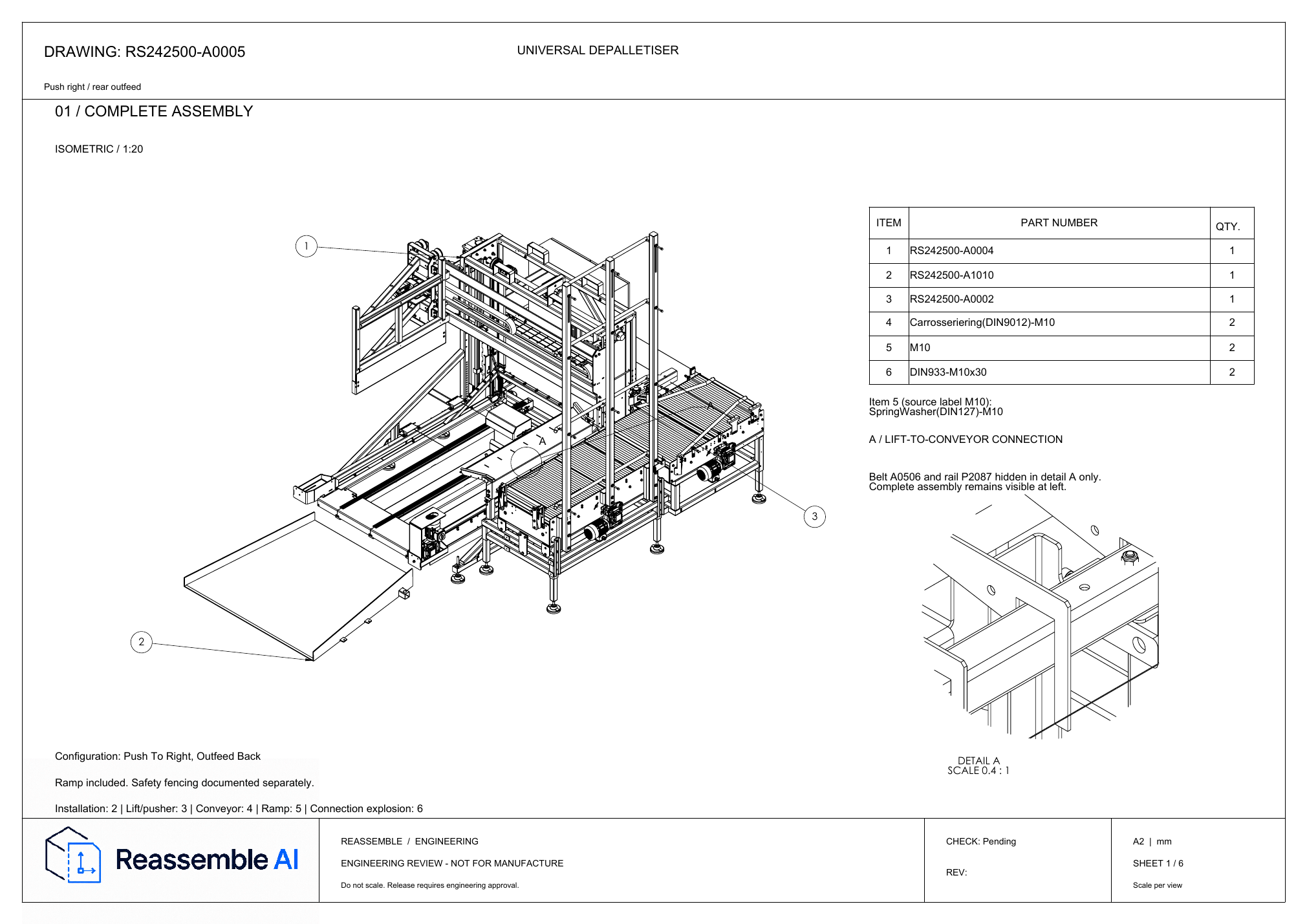
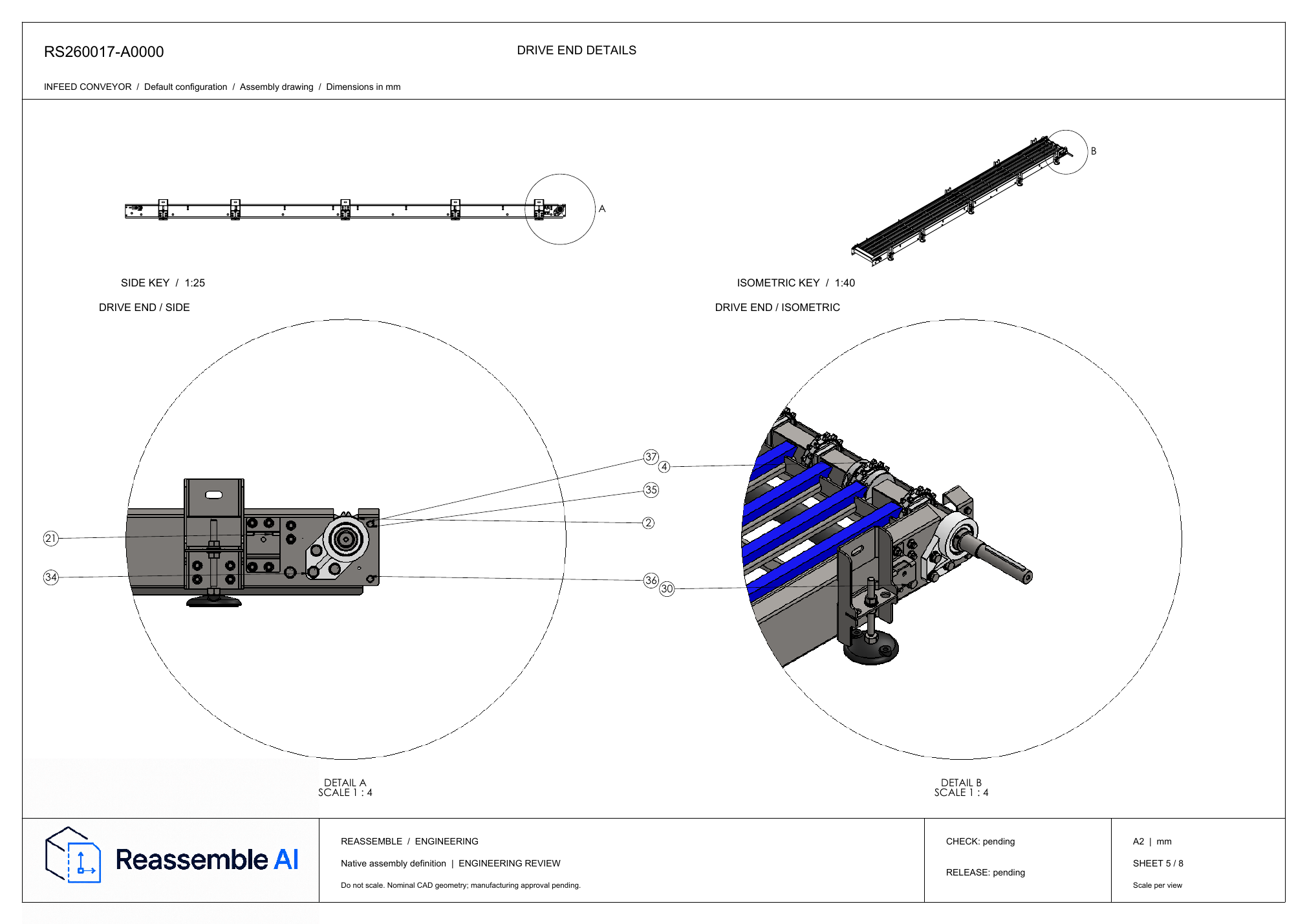
Two machines from a machine builder's SolidWorks models, generated automatically and not edited afterwards.
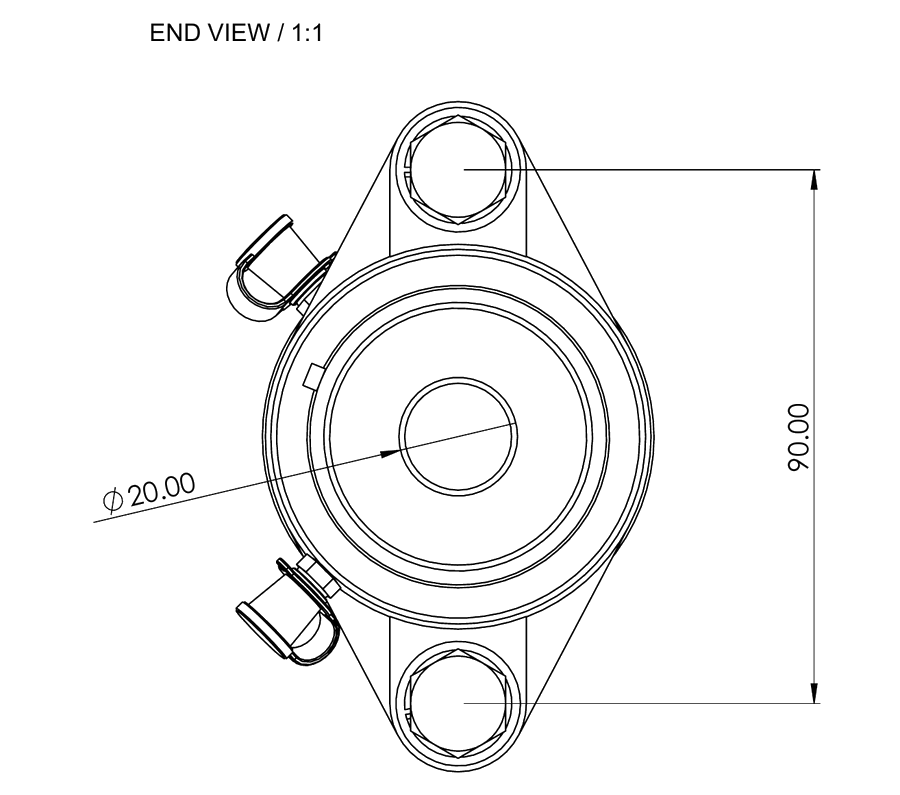
From a SolidWorks assembly with 252 parts to 6 native SolidWorks sheets with PDF.
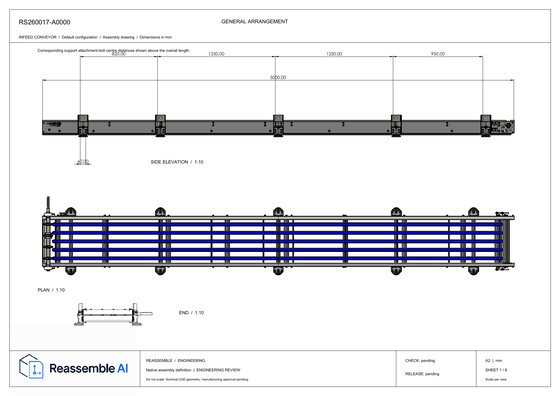
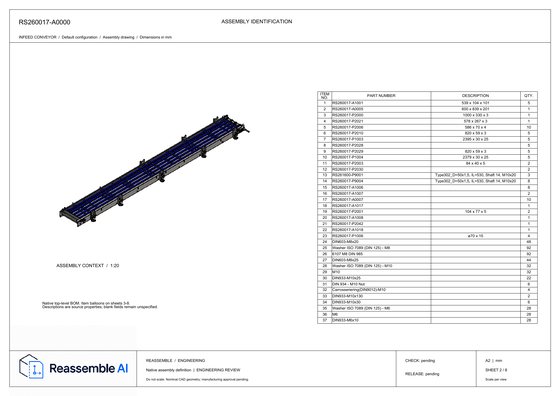
From a SolidWorks assembly with 37 BOM items to 8 native SolidWorks sheets with PDF.
Open full-size PDF ↗01 Complete assembly
Shown on our title block here, on yours in production.
This sheet could not load. Open the PDF or try again.
Reassemble makes your drawing packages directly from your SolidWorks models. Here is how that compares with the two usual alternatives.
| How Reassemble compares | Reassemble | Drawing bureauOutsourced and offshore drafting | Templates, macros or built-in CADConfigurators, scripts or the auto-drawing tools built into your CAD |
|---|---|---|---|
| The drawings | |||
| Assembly, part and weldment drawings with BOM and DXF, as native SolidWorks files and PDF | From the native model | By hand, sheet by sheet | A first draft, where a template exists |
| On your template, title block and drafting standard | Your template | Mostly, style drifts | Once you build it, but not your habits |
| How it learns | |||
| Follows your company's drawing style, learned from your released drawings | Per company | Their habits, not yours | Only what you write down |
| Learns from every correction | Corrected once, not again | The same mistakes return | Only if you rewrite the rule |
| How you work with it | |||
| No rules to write | We set it up on your archive | A briefing per project | Your engineers build them, or none needed but limited |
| Engineer time per drawing | Check and release | Brief, check, correct | Maintain rules, or finish each one by hand |
| In your PDM approval flow, kept current when the model changes | Affected sheets redrawn, back into your PDM | A new order each time | Views may update, the rest by hand |
| Your CAD stays in your building | On-premises or EU, your choice | It goes to the bureau | Runs in-house, inside your CAD |
From the native model
By hand, sheet by sheet
A first draft, where a template exists
Your template
Mostly, style drifts
Once you build it, but not your habits
Per company
Their habits, not yours
Only what you write down
Corrected once, not again
The same mistakes return
Only if you rewrite the rule
We set it up on your archive
A briefing per project
Your engineers build them, or none needed but limited
Check and release
Brief, check, correct
Maintain rules, or finish each one by hand
Affected sheets redrawn, back into your PDM
A new order each time
Views may update, the rest by hand
On-premises or EU, your choice
It goes to the bureau
Runs in-house, inside your CAD
Based on how the machine builders we work with make drawings today, September 2026.
How it works
Reassemble learns from your released SolidWorks models and drawings, whether you build one-off machines or work configure-to-order. Today it makes the drawing packages. Next, the same knowledge finds what you already made, reviews drawings and answers questions from every department.
One system learns from your released SolidWorks work. See how it makes drawings, then supports reuse, checks and answers.
We read your released SolidWorks models as they are.
It learns from your released models and drawings how your company designs and draws. Everything below runs on what it learned.
Decides what each part needs: dimensions, tolerances, fits and notes, each traceable to the model. The drawing is one rendering of that. The infeed conveyor as eight native SolidWorks sheets with PDF, ready for your approval.
Finds the parts and configurations you already made. Configuring a new variant of a machine? Start from the closest one you released instead of drawing it again. A new lift base, next to the one you released in 2025.
Reviews a drawing a person made against your standards and the model. Engineers decide on the findings. It never changes your drawing. Three open items on a shaft sheet, held for engineering.
Sales, service and purchasing ask about your machines in plain language, in Reassemble or in your own AI platform or knowledge base. Every answer cites its records, and says so when something is not recorded. Purchasing asks where a bearing unit is used and gets the assemblies it sits in.
Decides what each part needs: dimensions, tolerances, fits and notes, each traceable to the model. The drawing is one rendering of that. The infeed conveyor as eight native SolidWorks sheets with PDF, ready for your approval.
Data
A European company, under EU law and your NDA.
Pilot
One of your own machines, drawn on your templates and reviewed by your engineers. At the end, you decide whether to roll it out.
Read-only. Before we generate anything, you get a readiness report and the near-duplicate parts already in your vault.
One machine or module from your own portfolio, with a sheet list we agree.
Inside SolidWorks, tuned on your released drawings.
Native SLDDRW, PDF and DXF in your PDM workflow. Release stays with engineering.
A first conversation. No CAD upload needed yet.
Your CAD and data
Yes. The add-in runs inside your SolidWorks, on your machine. On-premises deployment when CAD cannot leave the building, EU cloud otherwise. European company, EU law, your NDA.
SolidWorks, native. We confirm your version, configurations and model structure during intake. Other CAD systems are not supported today.
Yes: assemblies, weldments, and sheet metal with inserted hardware such as weld nuts. Where the model does not define something, like weld sizes and process, the drawing says so and waits for your engineer.
How it learns
No. Released versions only; work in progress never becomes a label. It learns what is consistent across hundreds of parts, not what one drafter did once. The corrections between revisions are the strongest training signal we have.
No. It does the repetitive part, and your engineer confirms what matters: critical and control dimensions, fits, anything the model does not say. Where it is unsure, it marks the sheet instead of guessing.
The bigger picture
CAD vendors build drawing commands. We build a model of how your company engineers, and drawing is its first job. Finding the part you already made, checking a drawing like your checker and knowing what a change touches come from the same model. Native access makes that possible; it is also the hard part.
For most machine parts, suppliers still need tolerances, fits and finishing on a drawing. What we generate is the manufacturing definition behind it: which dimensions, tolerances, fits and welds a part needs, and why. It lands on native 2D drawings today and on the 3D model later, from the same decisions.
That depends on the assembly, the sheet list and the review scope. Pricing and timing belong in the proposal for your project. The first conversation costs nothing and needs no CAD upload.
Bring one assembly and we send back the package. Bring your drawing vault and we show you what it already knows.